Meeting URL retrieval
Introduction
To use the Meeting feature of CyberGate a meeting has to be created in a Teams Calendar and the long Meeting URL needs to be retieved and copied in a Call group of the type 'Meeting' (aka. Meeting group).
Create a meeting
The Meeting feature in CyberGate needs a planned meeting to call in to. Create a Meeting somewhere in the Teams Calandar, time, date and participants don't matter as CyberGate can open the meeting anytime, even if the meeting is planned in the past or in the future.
Open the Calandar in Microsoft Teams.
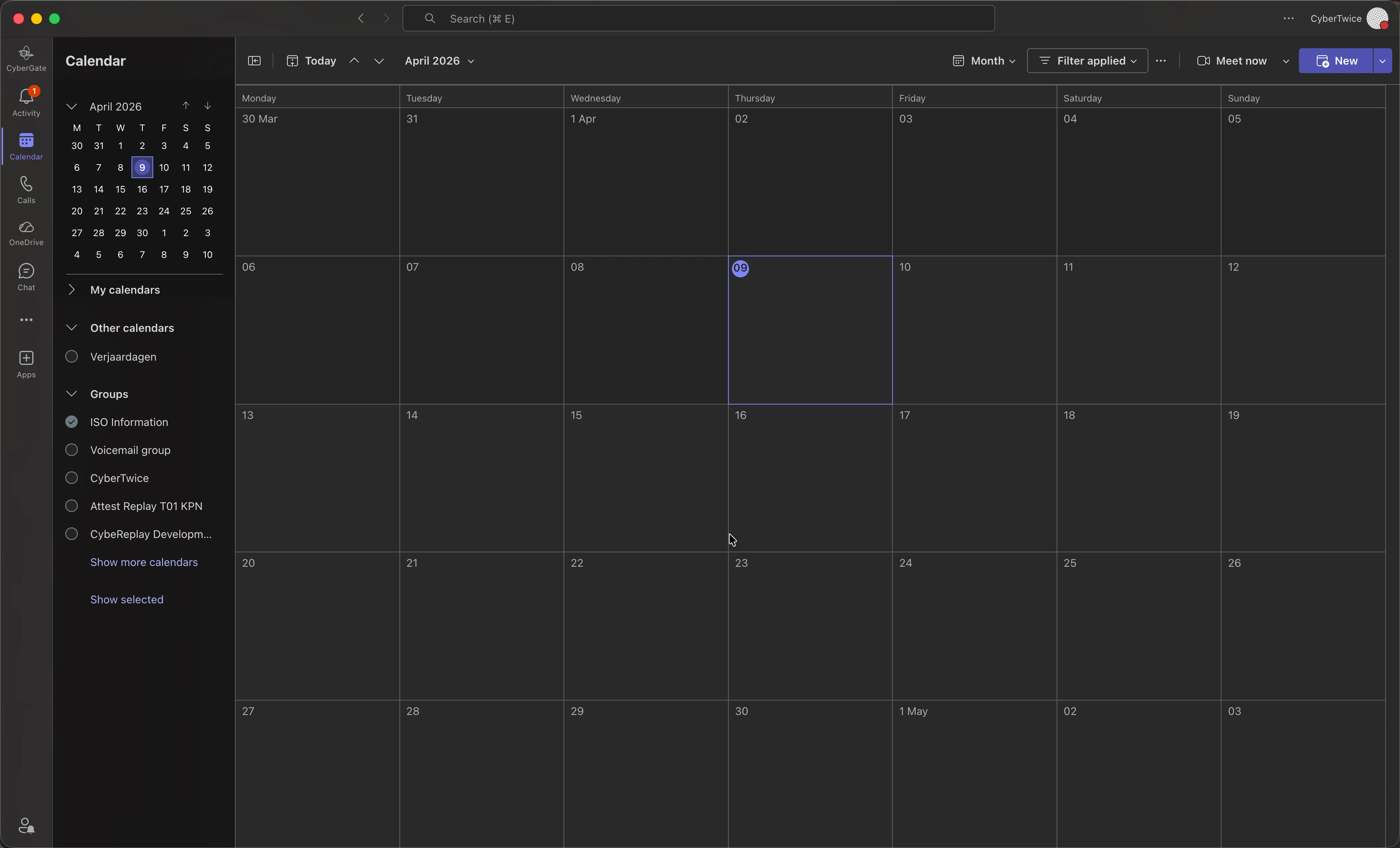
Create a new meeting.
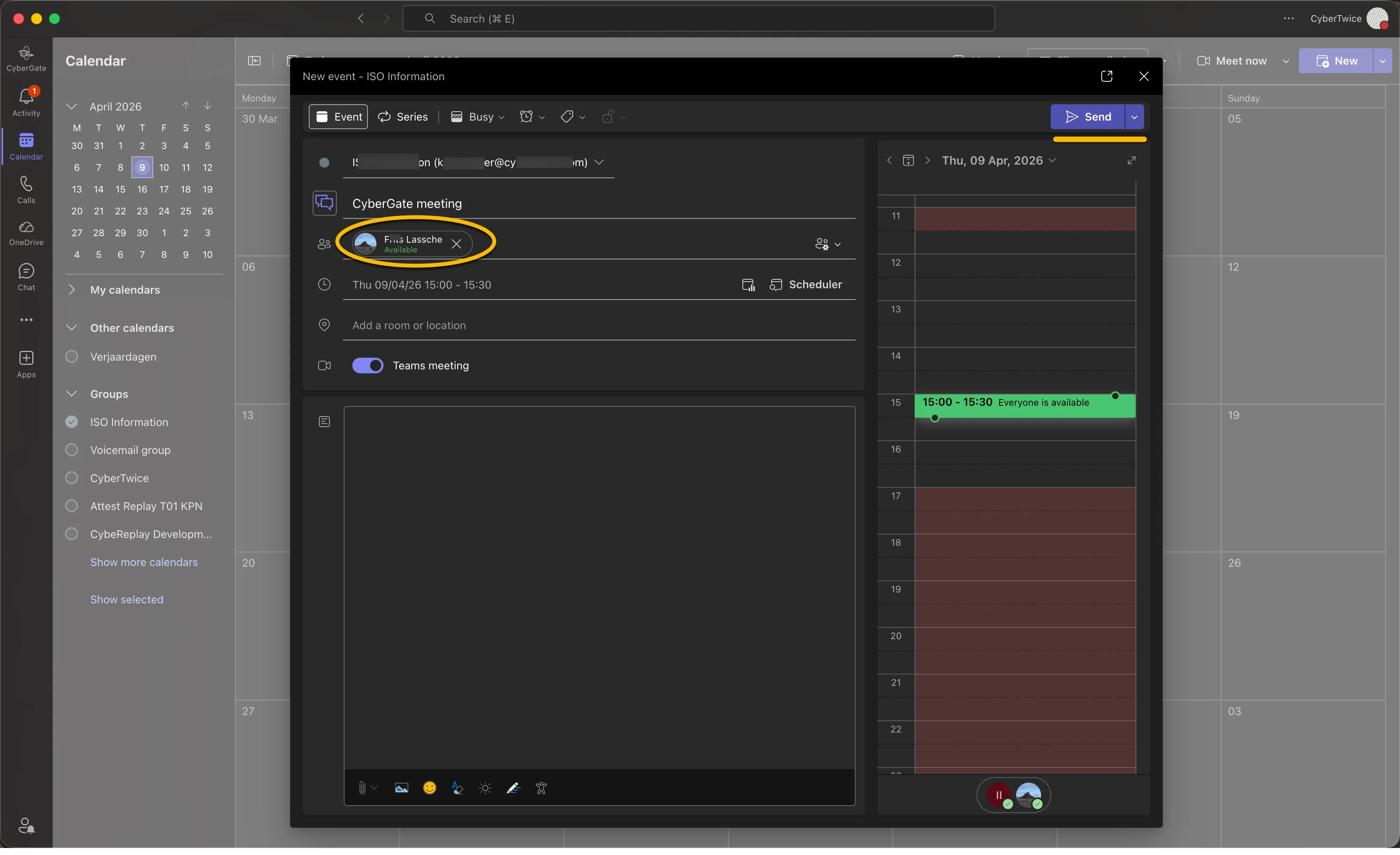
It is necessary to add a participant to the meeting, you can use your own Teams user to be a participant.
Click the blue 'Send' button.
Retrieve the Meeting URL
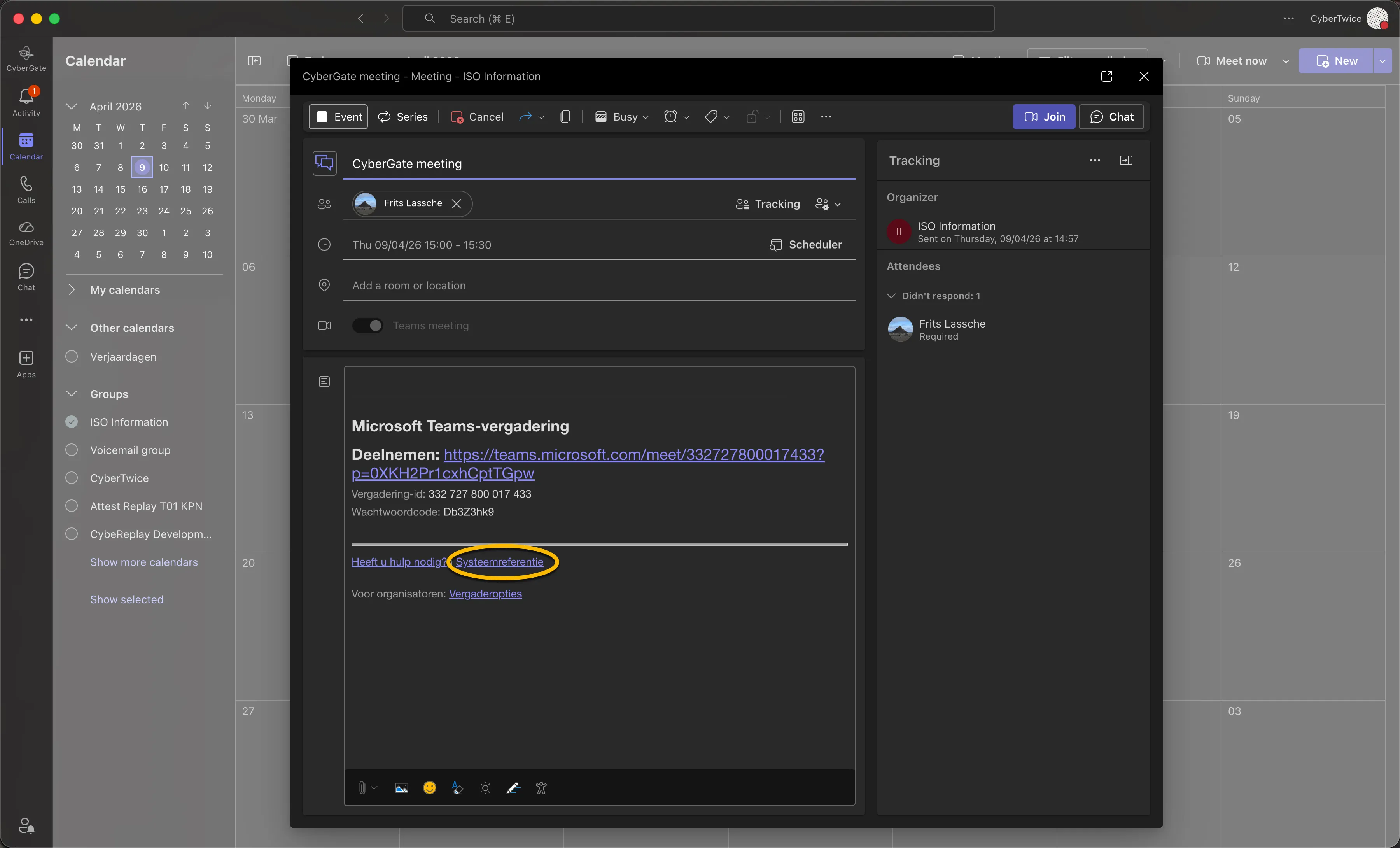
Wait for approximately 30 seconds, double-click on the just created meeting to edit it.
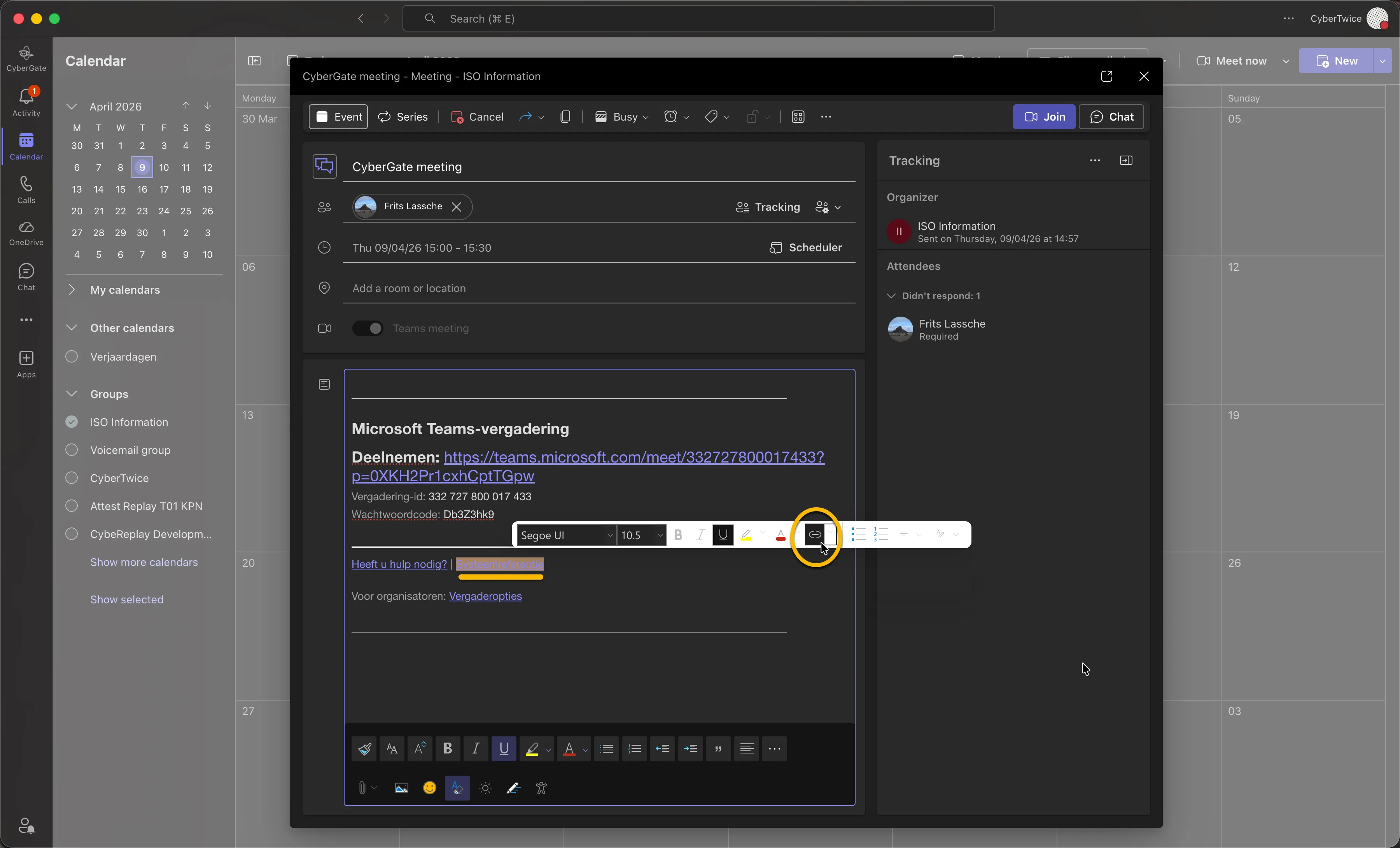
The meeting will show its details. Right-click on the 'System reference' link, below the white separator.
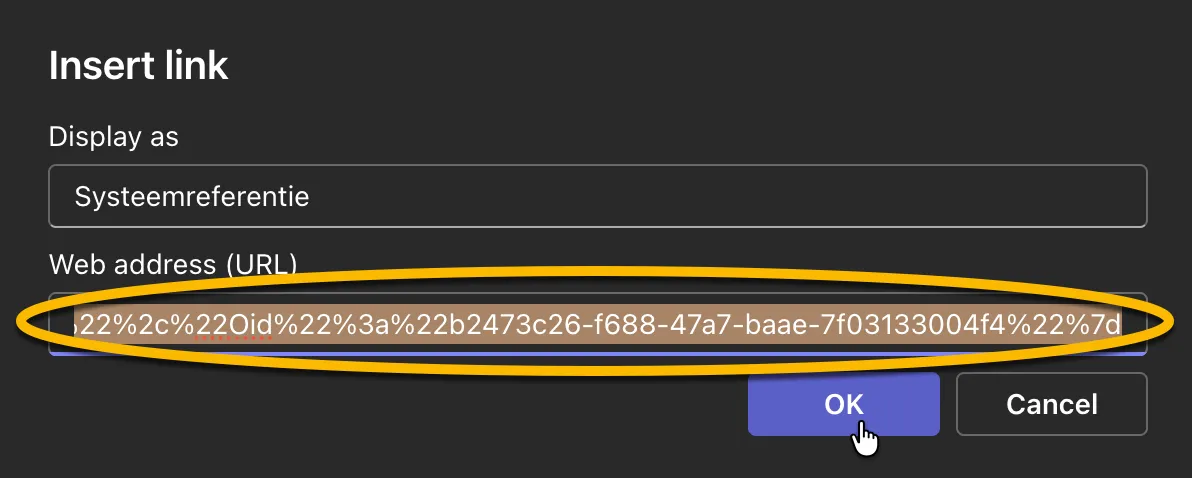
Click on 'Insert link' to reveal the Meeting URL button.
Select the Web address (URL) and copy it.
Use the Meeting URL in the CyberGate Management Portal
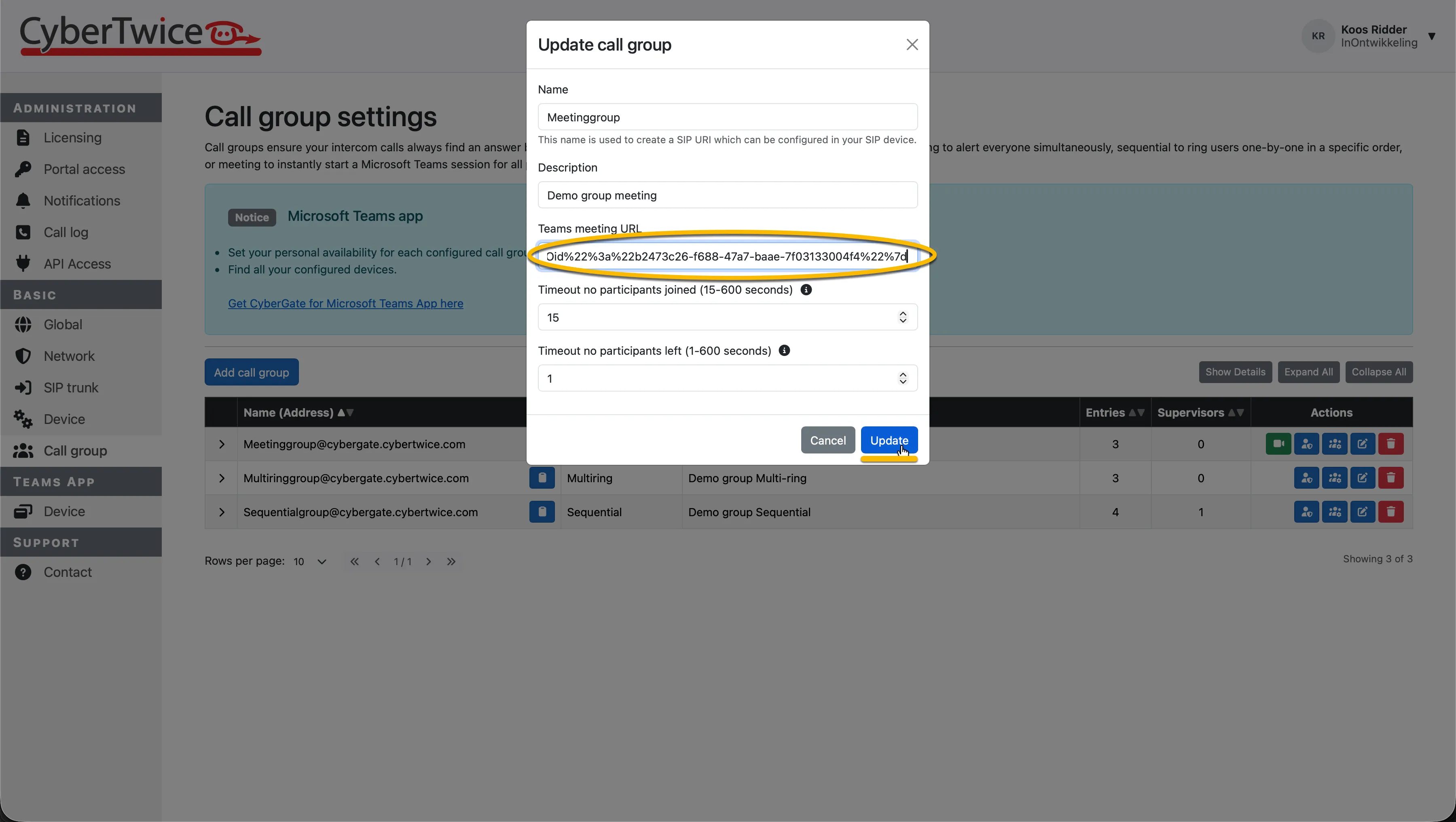
In the CyberGate Management Portal, create a Call group of the type Meeting and paste the just copied URL.