FERMAX and CyberGate
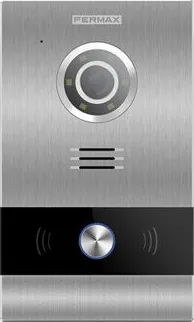
How CyberGate connects the FERMAX panel to Microsoft Teams
Configure the FERMAX panel to connect to CyberGate
For this document we used the FERMAX 1/W Video Meet Panel (from now on named 'FERMAX') to connect to the CyberGate service (from now on named 'CyberGate'). Follow the next steps to configure the FERMAX to connect it to CyberGate.
Connect to the FERMAX web interface
- Connect the FERMAX to the network and power it on.
- Open a web browser and navigate to the IP address of the FERMAX.
- Sign in as admin with the configured or supplied password of the FERMAX.
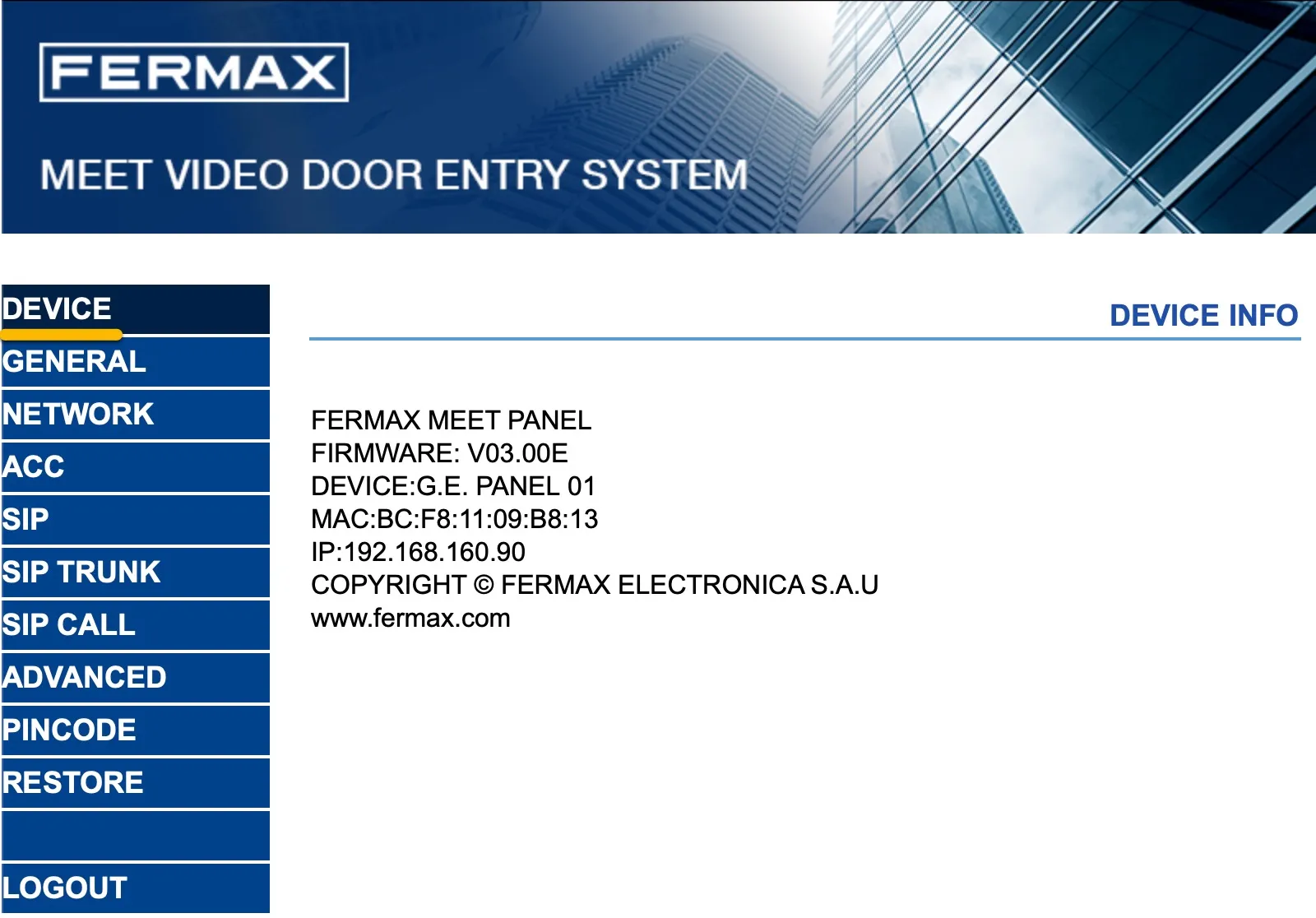
When signed in successfully, the first menu shown is the Device menu.
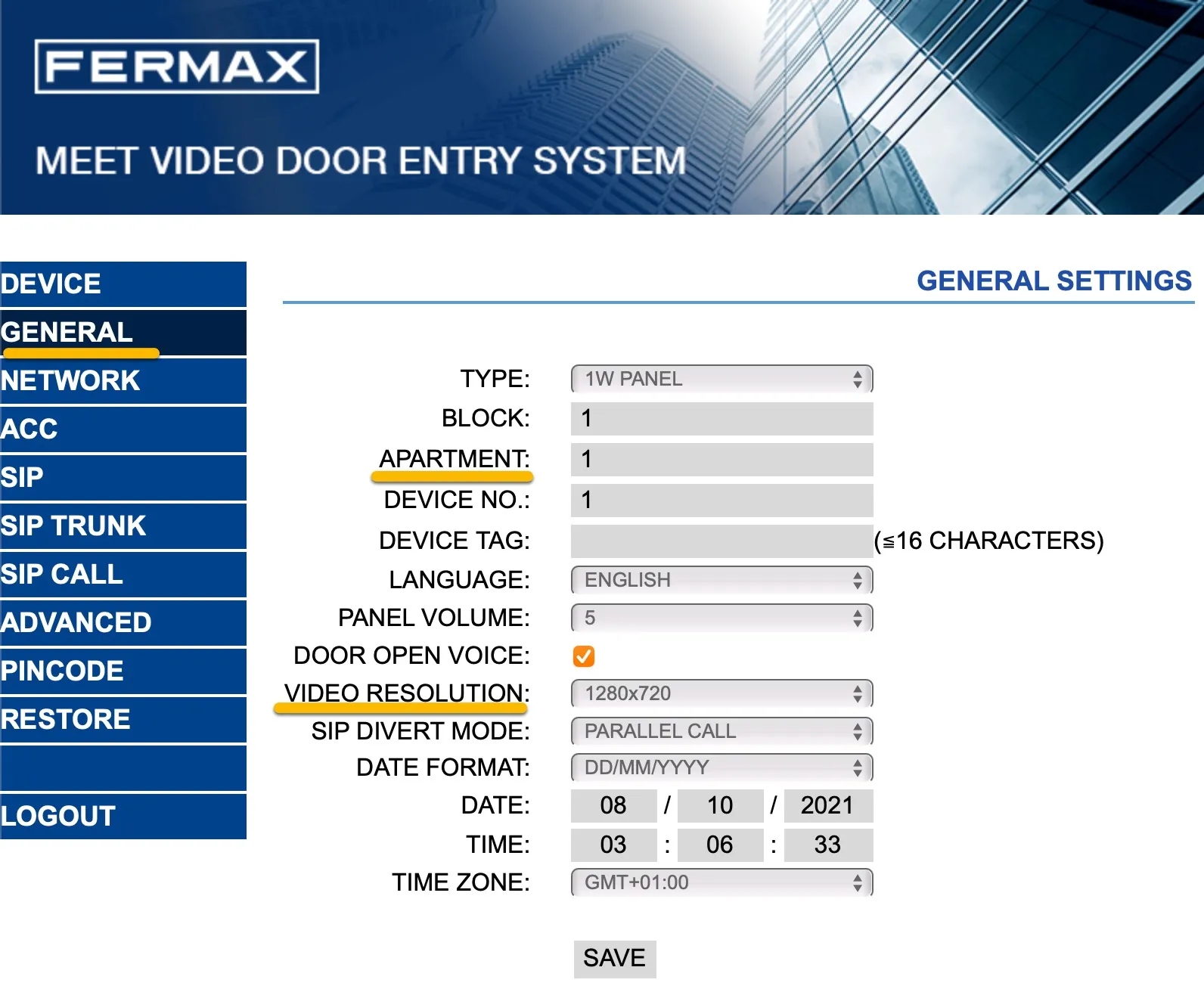
Configure the General settings of the FERMAX
- Navigate to the General menu.
- Change the following information:
General Settings | |
|---|---|
Apartment | Change to 1 |
Video Resolution | Change to 1280x720 |
- Click the Save button when done.
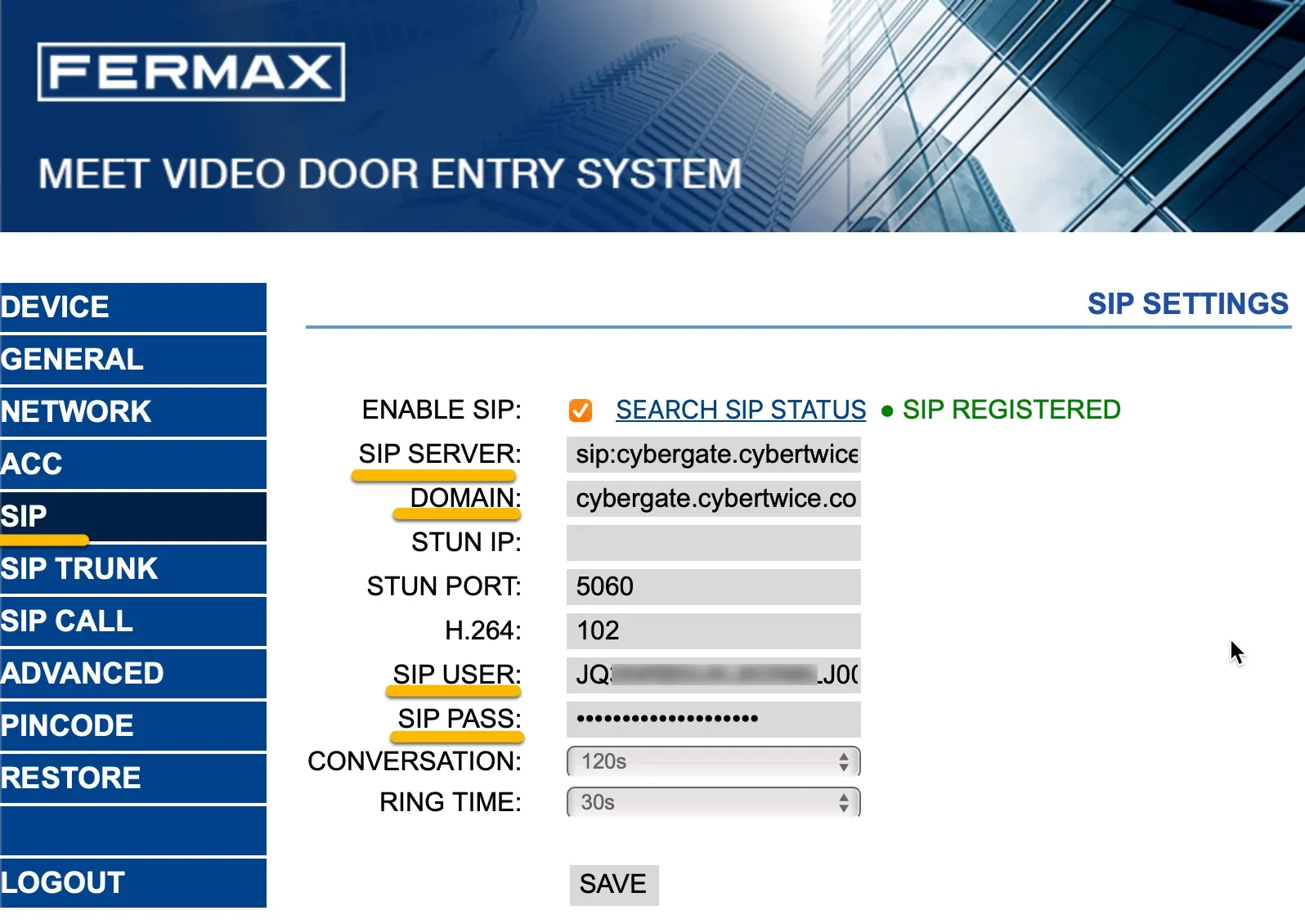
Configure the SIP settings of the FERMAX
- Navigate to the SIP menu.
- Provide / change the following information:
SIP Settings | |
|---|---|
Enable SIP | Enable SIP |
SIP Server | sip:cybergate.cybertwice.com |
Domain | cybergate.cybertwice.com |
SIP User | Use the Username provided by the CyberGate Management Portal |
SIP Pass | Use the Password provided by the CyberGate Management Portal |
- Click the Save button when done.
Configure the SIP call settings of the FERMAX
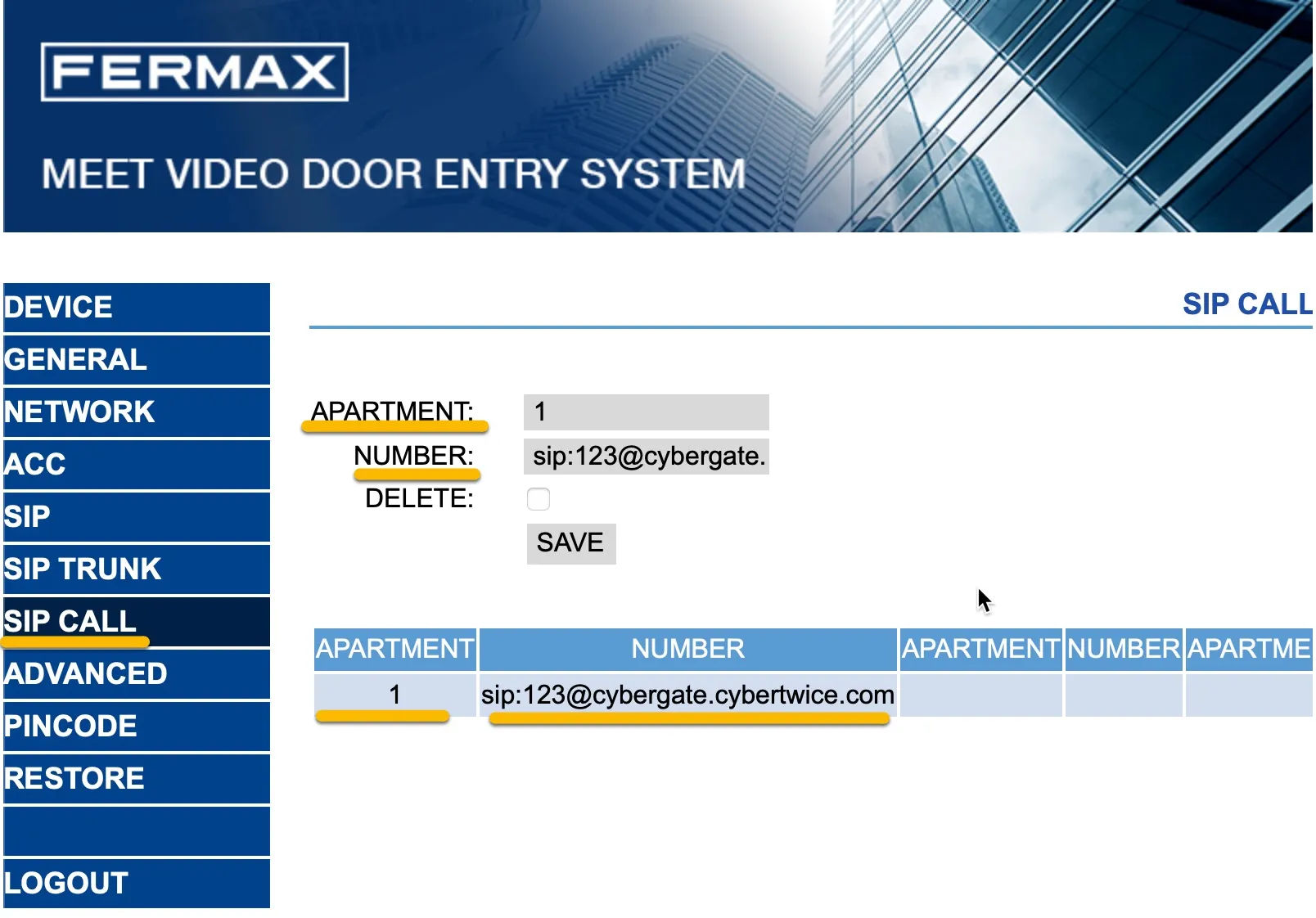
- Navigate to the SIP call menu.
- Provide / change the following information:
SIP call | |
|---|---|
Apartment | 1 |
Number |
- Click the Save button when done.
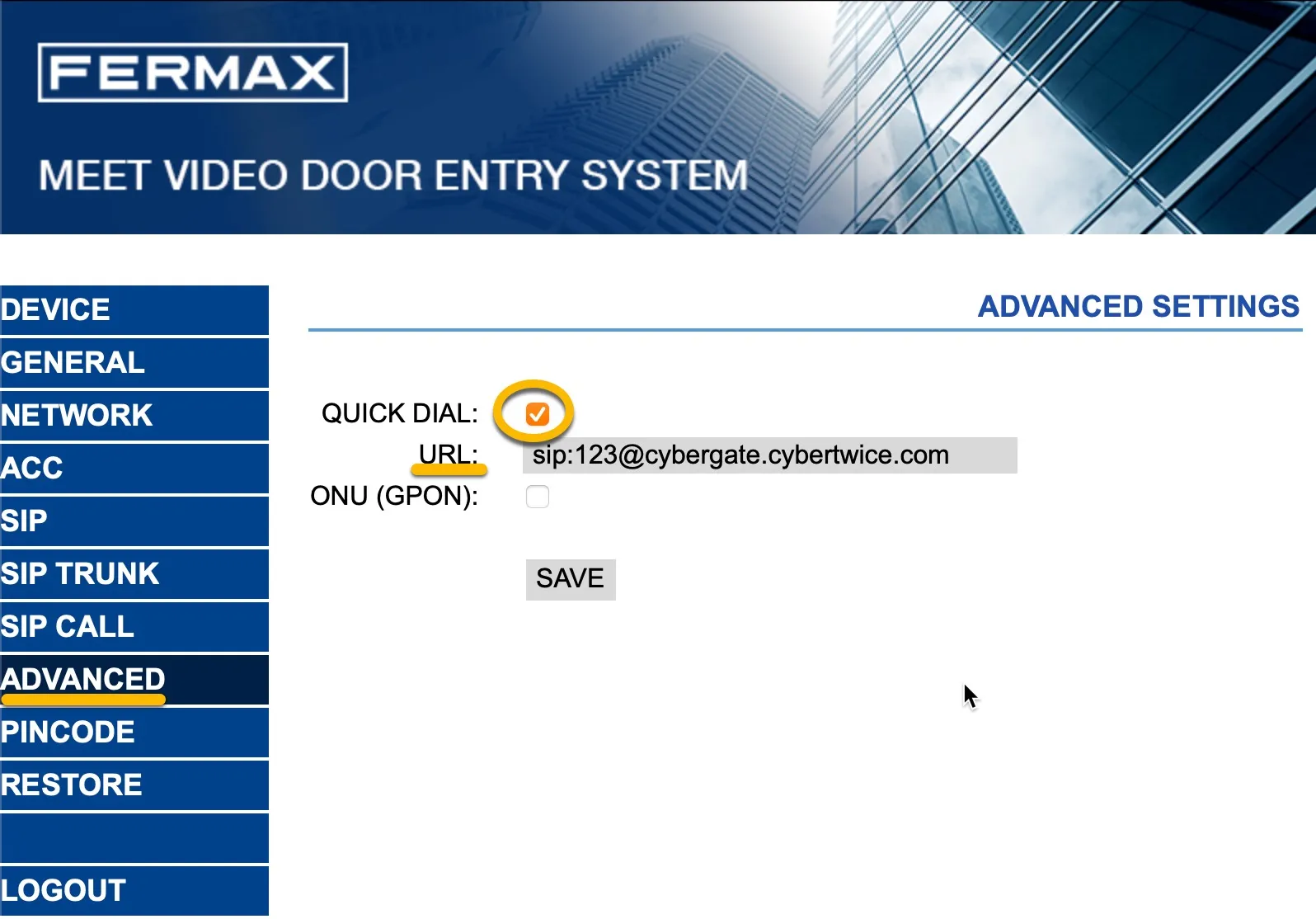
Configuration of the FERMAX is now complete. Pressing the call button on the FERMAX will initiate a call to the number configured in the Advanced menu at 'URL'.
Create a Call group in the CyberGate Management portal
As this configured number (123) is not a valid Teams user within your Teams environment, you must configure a Call group via the CyberGate Management portal. The Call group enables you to 'translate' the dialed number (123) to one or more valid and existing Teams user(s). See the manual CyberGate Call Group Settings on this site on how to create a Call group.
What happens when a visitor presses the call button?
The following sequence will take place when pressing the call button on the FERMAX:
- The FERMAX will place a call to CyberGate using the number 123
- CyberGate will answer the call to 123 and recognise 123 as a Call group
- CyberGate checks which Teams user(s) to call (as configured in the Call group) and will place the call to all Teams users in this group
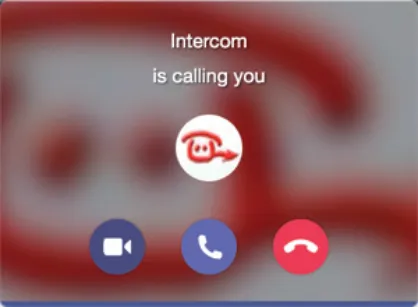
- The Teams user that answers the incoming call in Teams (by clicking the pick-up symbol) will be connected to the FERMAX
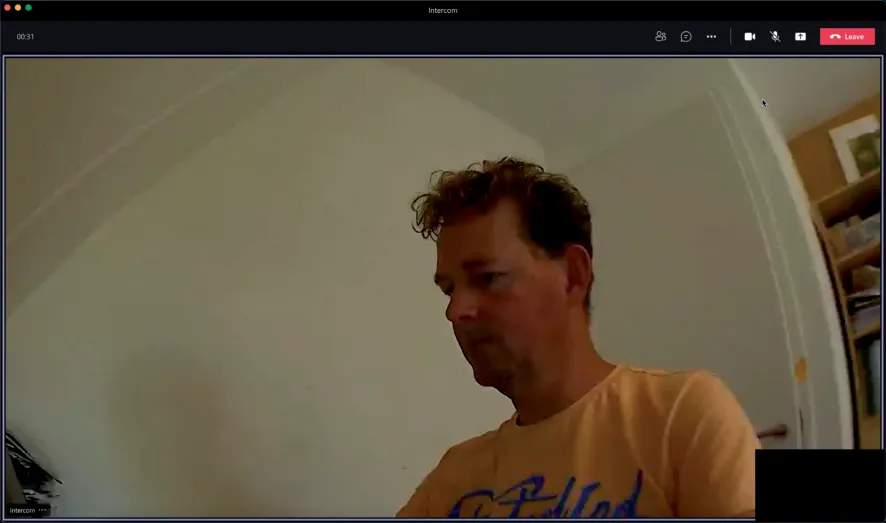
The call will be established and video will be displayed within ±3 seconds.
Open the door from the Teams call
- In the call screen, click on the three dots (...) and select Keypad.
- Use either the # or the * code; this will trigger the relay in the FERMAX and open the door.
A more convenient way to open the door during a call is to use the CyberGate for Teams app. See the CyberGate App for Teams manual on how to to install and use the CyberGate for Teams app.
CyberGate App for Microsoft Teams
The CyberGate App for Microsoft Teams offers more CyberGate features directly from Microsoft Teams. One of these features is the Open-door button. This button can be utilized during a call to CyberGate and lets you open the the door by clicking just one button.
For a description on how to install the CyberGate app and use the Open door button please see the CyberGate App for TeamsCyberGate App for Teams manual.